AI-ready knowledge base

Your team's knowledge,
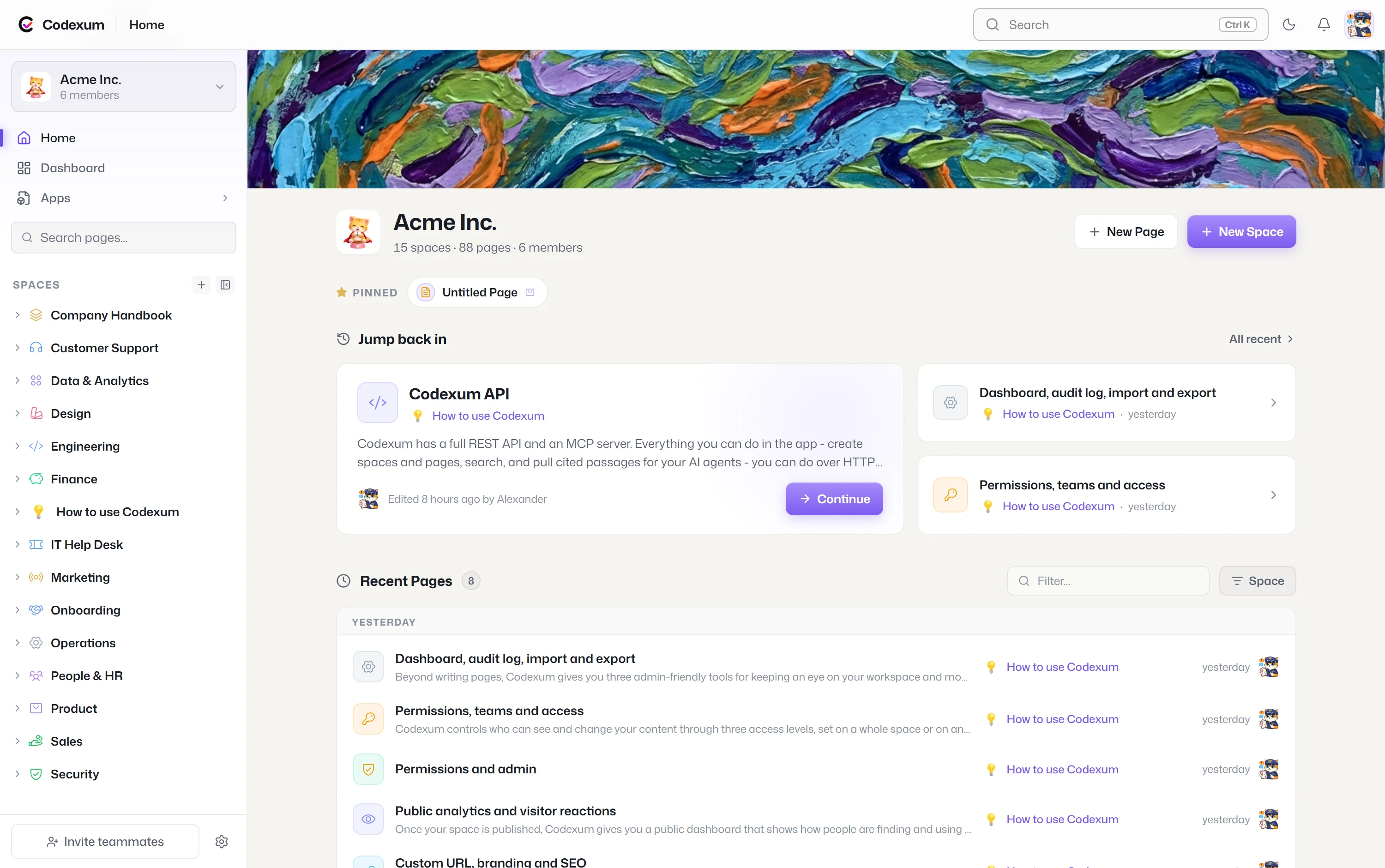
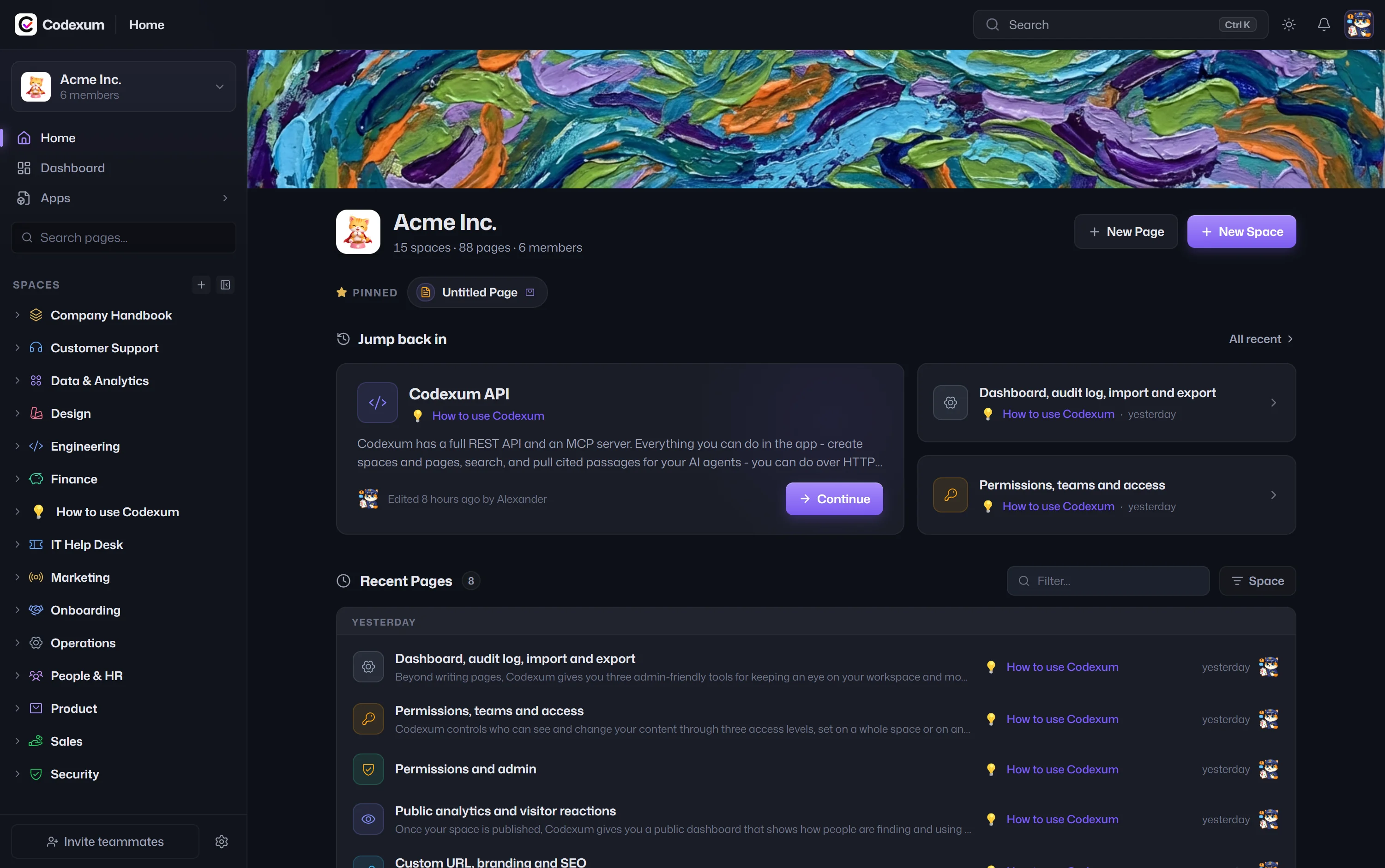
made simple - for everyone.

A home for your team, a public docs site for your customers, and context for your AI agents if you use any.

Trusted by teams at

Public docs & help centers

Flip one toggle.
Any space goes public.

Most tools make you choose internal or public - Codexum does both. Publish only the spaces you choose as a branded docs site or help center; everything else stays private, and even in a published space, drafts never go public.

Internal space Public & indexed
Interactive - flip the switch, then swap the layout.
codexum.dutify.ai/public/wiki/how-to-codexum
LIVE
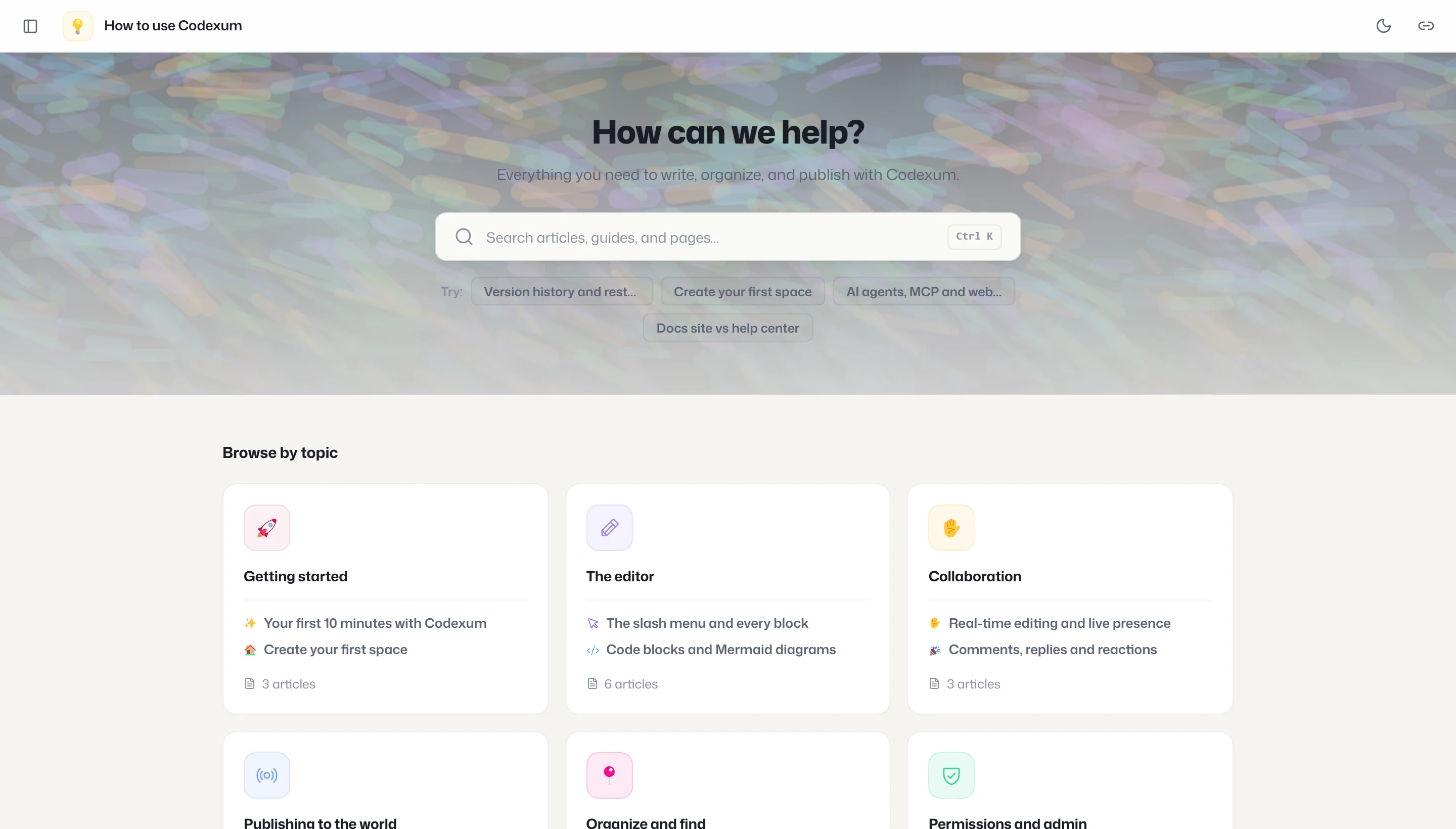
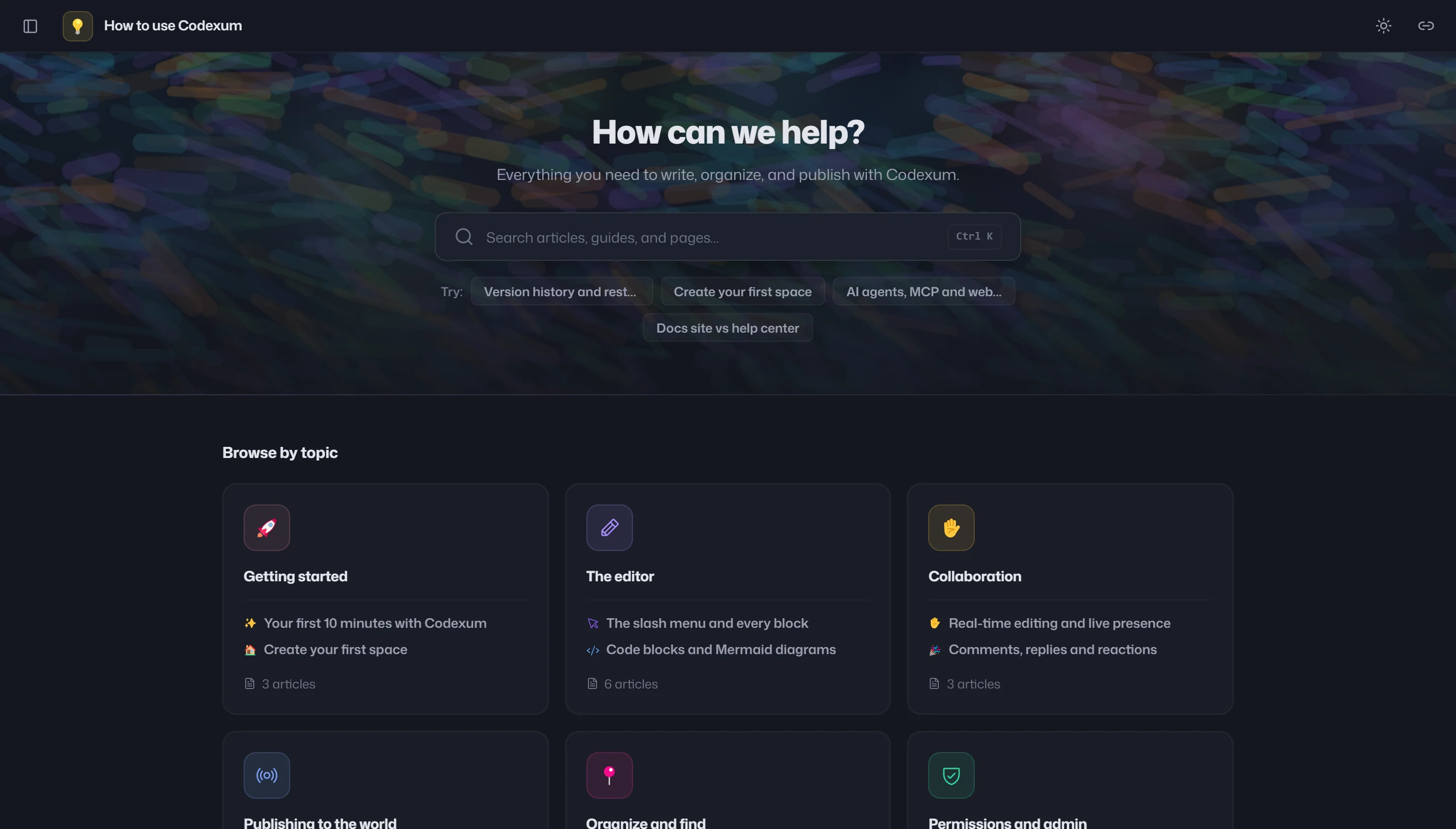
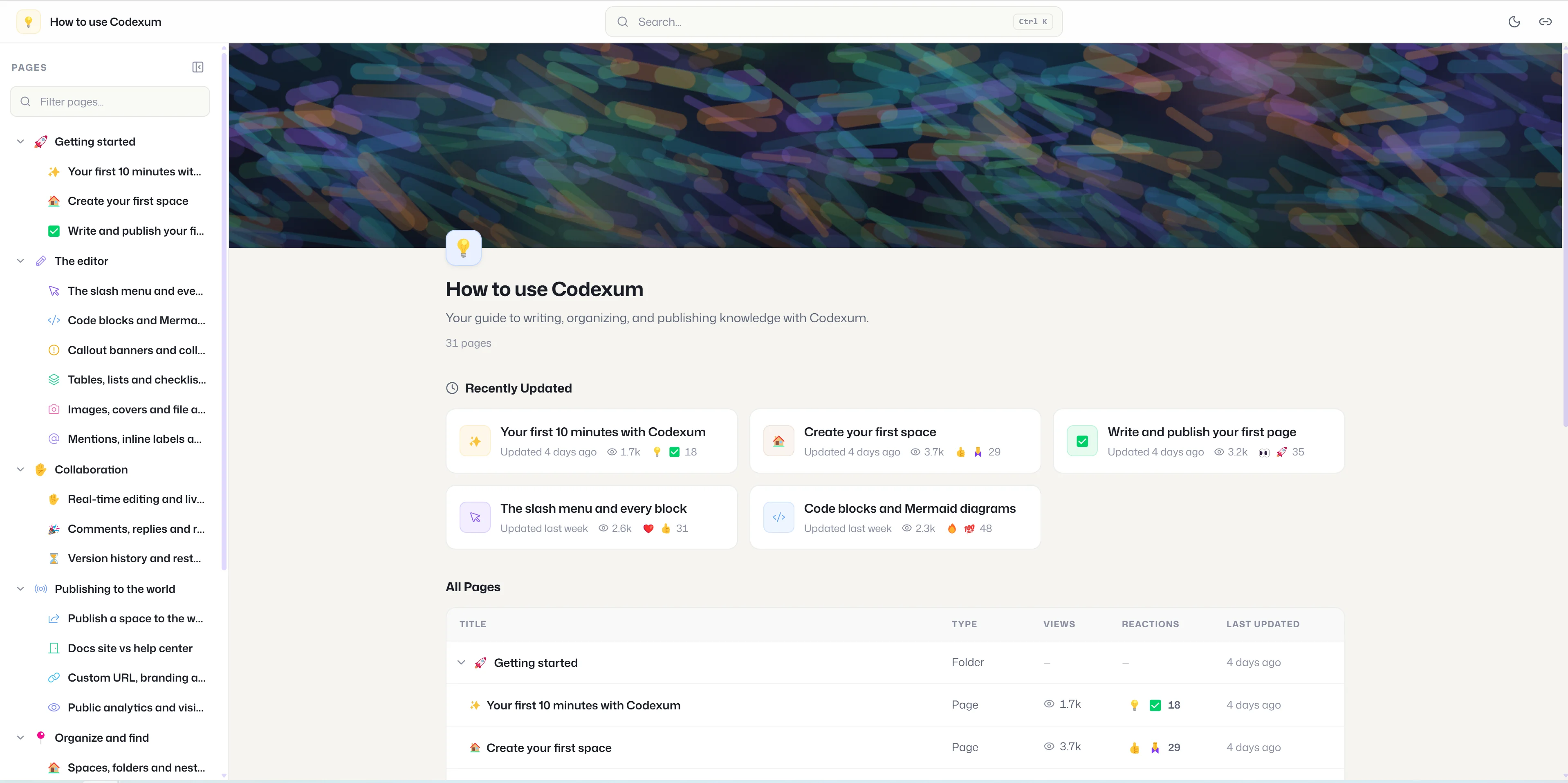
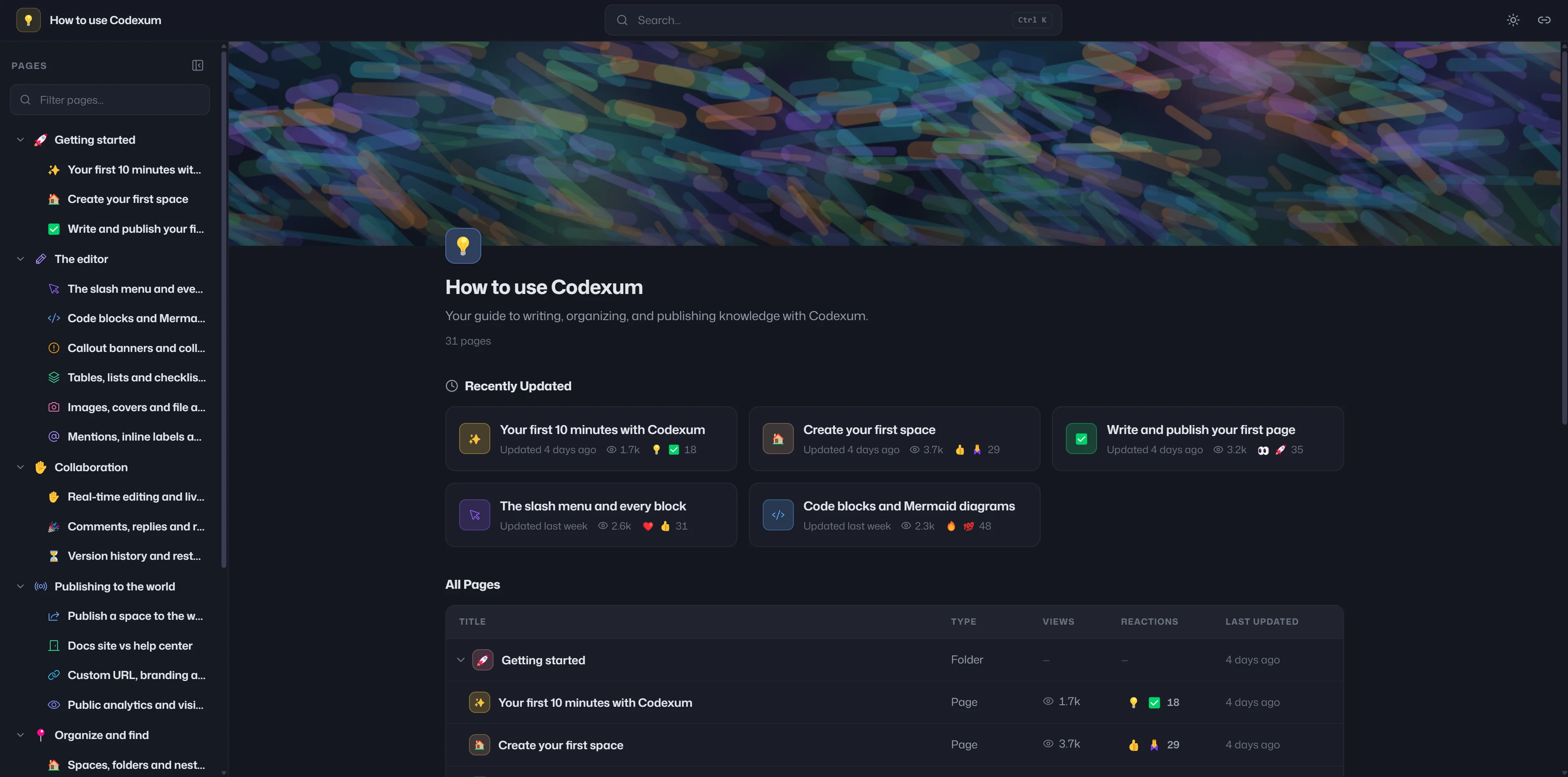
A live Codexum public help center, published from a single space A live Codexum public help center in dark theme

A real Codexum docs site, published live - visit it ↗. Public publishing is available on Business and above.

For you and your team

From a quick note to your entire handbook.

Deep enough to hold everything your team knows, quick enough for a passing thought - real editing, real structure, everyone in real time.

An editor that gets out of the way

Rich text, tables, checklists, images, callouts, code blocks, and diagrams - all in one editor anyone on your team can use.

Organized the way your team thinks

Spaces, nested pages, covers, icons, and an auto table of contents - so the right page is always easy to file and easy to find again.

Write it together, live

Real-time cursors, inline comments, mentions, and full version history. Everyone on the same page, and nothing ever lost.

Public analytics

Measure your docs like a real website

Built‑in analytics, no Google Analytics. Track views, unique visitors (privacy‑friendly, no login), and per‑page reactions over 7, 30, or 90 days.

Visibility controls

You decide what every visitor sees

Per space, choose whether public readers see author names, dates, and view counts - and whether they can react at all. Allow every emoji, or limit reactions to a set you pick.

Why Codexum

Most wikis stop at the front door.

Your internal knowledge base, your public docs, and your AI layer - usually three tools. Codexum is all three, from the same content, with one toggle.

Generic team wiki
Docs‑site generator
Codexum
Real‑time co‑editing
Same content, internal and public - one toggle
SEO‑ready public site, built to rank
Built‑in public analytics
Semantic search + agent RAG with citations
Permission‑scoped retrieval for AI
Page‑level View / Edit / Admin permissions

Note: category comparison, not specific products - every Codexum row ships today.

See it yourself

Flip the toggle on your own space
in about a minute.

Start free - no credit card See a live docs site
AI agents · the context layer

The context your AI is missing

An agent is only as good as its context. Codexum is that context - cited, permission-scoped passages from your team's own docs, on demand. Here's a real query.

Point Claude, Cursor, or any MCP client at your workspace - it reads, writes, and answers from your docs, every answer linked to its source.

agent · wiki_retrieve
# ask a question; get cited passages back
wiki_retrieve("how do I approve without a comment?", k=3)
→ passages: [
  { page: "Reactions", score: 0.83,
    cite: "/how-to-codexum/reactions" },
  { page: "Comments", score: 0.71 } ]
MCP TOOLS
wiki_search wiki_retrieve wiki_list_pages wiki_get_page wiki_create_page wiki_update_page
Part of the Dutify suite

One connector.
All your context, united.

Start standalone with just Codexum. Add Dutify Cloud and Roadmarq, and the same connector gives your agents one unified context - docs, tasks, and feature requests, queryable together under one login and one permission model. 57 tools, one integration.

Codexum Dutify Cloud Roadmarq
One MCP connector
Your agents - one unified context
Built to fit your stack

Bring docs in. Take them out.
No lock‑in.

Import or export any space yourself, in a few clicks - no code needed. Your content is yours, any time.

Proof, not promises

We run on Codexum ourselves.

No invented logos, no made‑up numbers - just proof you can reproduce yourself.

Our own docs run on Codexum

The entire “How to use Codexum” handbook is a live public docs site, written and published with the exact product on this page.

Even the screenshots are real

The docs-site shots on this page are our actual live Codexum docs - the same one you can open and click through.

We use the whole product

Our handbook runs on the real thing - Mermaid diagrams, code blocks, callouts, search, the editor. The features you're reading about, we use ourselves.

Everything in the box

One knowledge base. Every feature you'd expect - and more.

Why teams pick us

Public docs in one toggle

Turn any space into a branded public docs site or help center, on a clean custom URL.

Built-in public analytics

Views, unique visitors, and reactions on the same content your team edits - no Google Analytics.

Search that finds it by meaning

The right page comes up even when your words aren't in it - for people and for agents.

Cited, permission-scoped AI access

Agents get passages with citations, filtered to exactly what the calling key may see.

Semantic ⌘K search

Meaning-aware, permission-aware quick switcher.

Cited RAG retrieval

Agents get the top passages back with citations and relevance scores, permission-filtered.

Public publishing

Turn any space into a branded public docs site or help center with one toggle, on a clean custom URL.

Public analytics

Track views, unique visitors, and reactions over time, no Google Analytics needed.

Real-time collaboration

Co-edit live with cursors and presence.

Live presence avatars

See who's editing vs just reading.

Slash command menu

Type slash to insert any block.

Syntax-highlighted code

Fenced blocks with language selection and one-click copy.

Live Mermaid diagrams

Write diagrams as code, see them rendered inline.

Full-featured tables

Resize, merge cells, and pin sticky rows.

Callout banners

Info, warning, error, and success banners.

Collapsible toggles

Hide detail behind expandable sections.

@Mentions

Reference and link workspace members in content.

Block drag & deep links

Reorder blocks by handle, deep-link any block.

Page templates

Start any page from a reusable workspace- or space-level template.

Comments & threads

Page-level and inline-anchored comments with resolve workflow.

Emoji reactions

React to comments; let public visitors react to pages.

Version history

Snapshot every publish, compare versions, and restore in one click.

Draft / publish lifecycle

Refine drafts privately; viewers and agents see only published versions.

Spaces & nested pages

Organize content into arbitrarily nested folders.

Move, duplicate & bulk edit

Reorganize a large knowledge base without breaking it.

Favorites & recents

Star key pages and jump back into recent work.

MCP server

Agents search, read, and write your knowledge base from any MCP client.

Permission-scoped retrieval

Agents and search return only what the calling key may see.

Custom vanity URL

Claim a clean public slug with live availability checking.

SEO-indexable

Sitemaps, share cards, and clean URLs so your docs rank.

Share any page by link

Publish a single page to a tokenized, view-only link.

Granular permissions

Independent read vs edit access for users or teams, per space and per page.

Teams

Group people as permission principals with an @mention alias.

Audit / activity log

Filterable trail of who changed, shared, or deleted what.

Export & import

No lock-in: Word, Markdown, JSON, ZIP in; PDF, Word, Markdown, JSON out.

REST API & API keys

Documented API with scoped keys and Swagger UI.

AI-friendly lite API

Slugs and Markdown instead of UUIDs and JSON, built for agents.

Webhooks

Page, comment, and publish events you can replay.

SSO sign-in

SAML / OIDC, plus email and password.

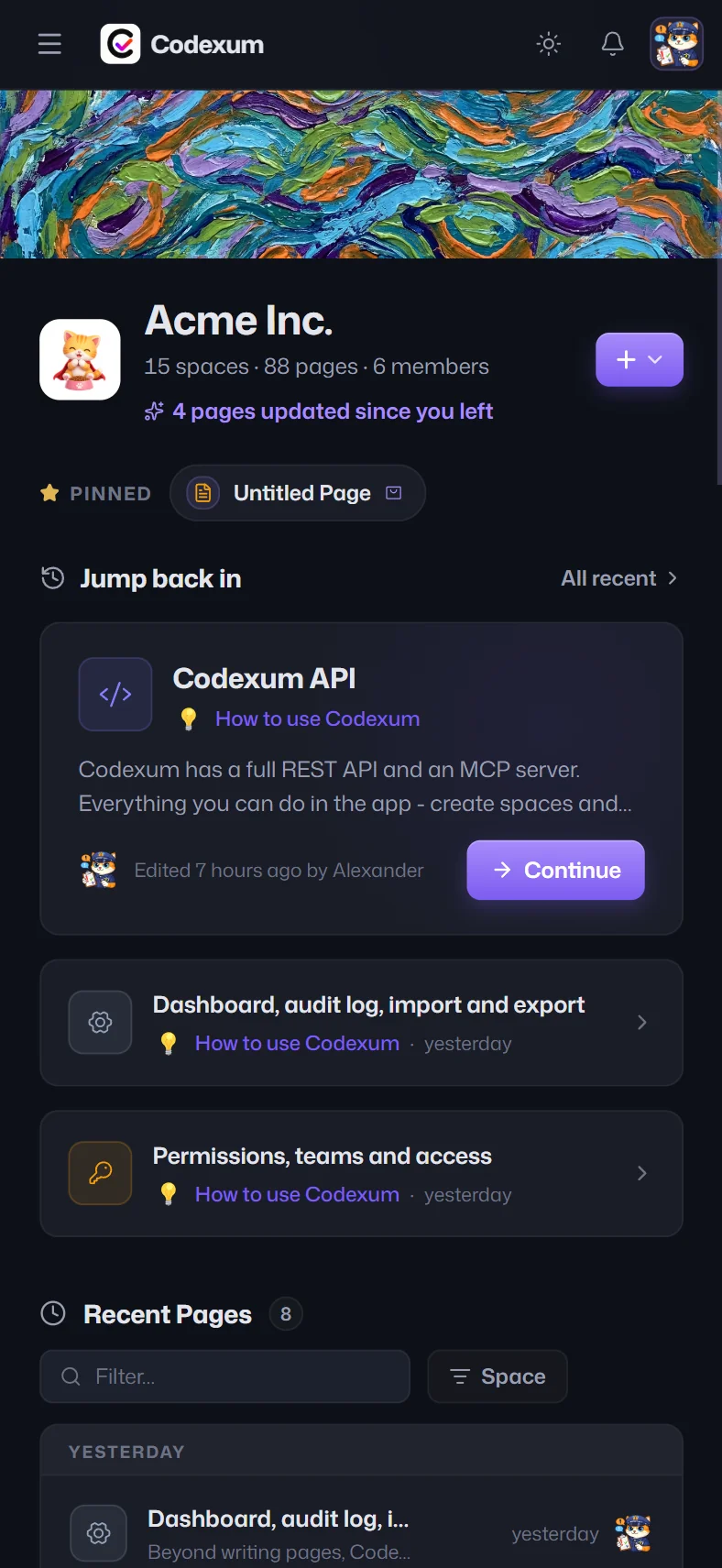
Dark / light themes

Per-user theme persisted across Dutify and public docs sites.

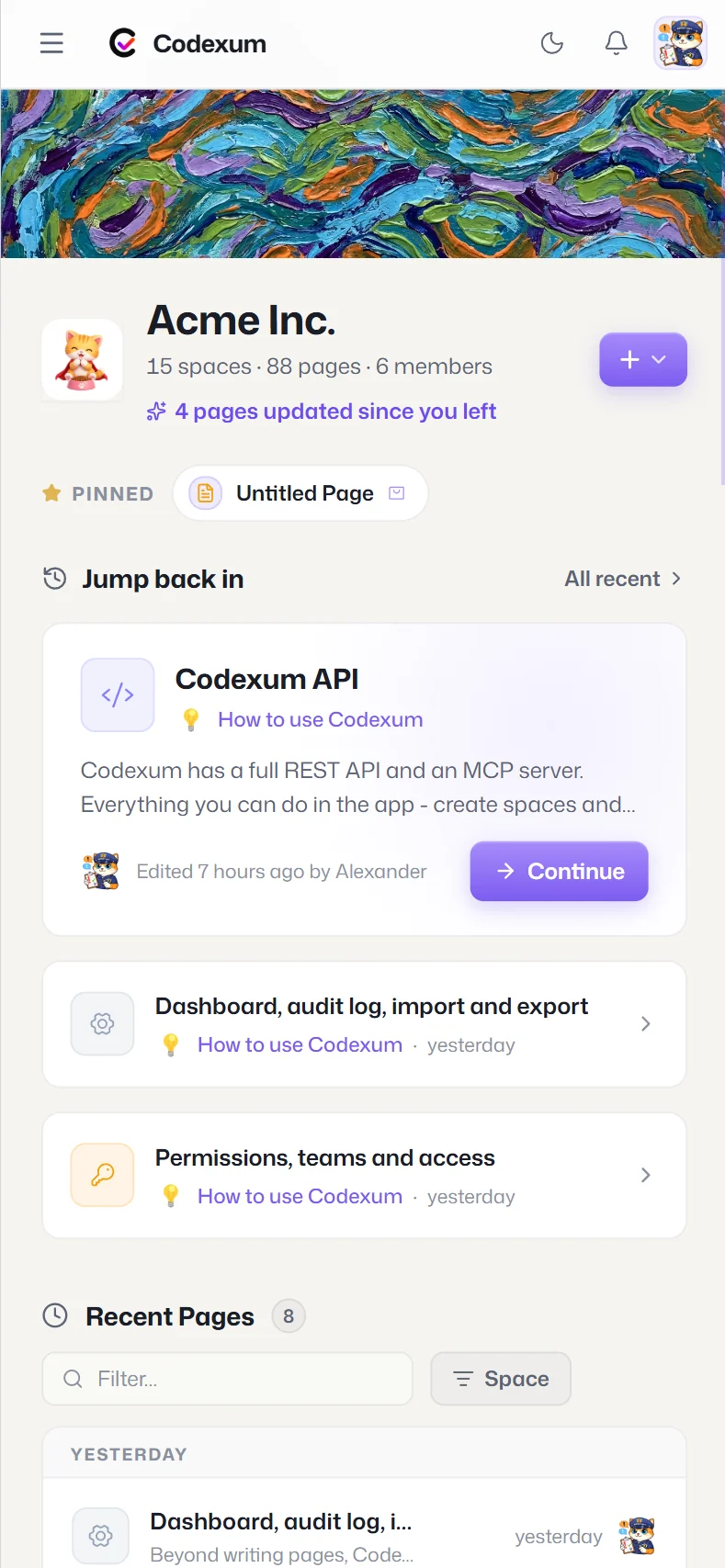
Mobile-responsive

Drawer sidebar and touch-friendly layout on phones.

In their words

Teams that run on Codexum.

We needed a clearer way to organize work across teams without making everyone follow the same rigid structure. Dutify gives us one place for projects, docs, and customer feedback, while still letting each team work in the way that makes sense for them.
We dogfood agents daily, and for agent-driven work the thing that matters most is trust. We don't need an AI sidebar, we need something native. Scaffolding we can't build upon. And Dutify feels like a real workspace for our agents.
Home of Agents
Dutify feels like it was built for how teams actually work now. People can collaborate in the product, agents and automations can work through the API, and there's enough control in place that you can open things up without worrying about it getting messy.
Voxor
As a small team, we lean heavily on AI and automation to keep up with content, operations, and follow-up. Dutify gives all of that a structured place to run while keeping everything clear for the people on the team.
WellFedCats
Pricing

Start free. Pay as you grow.

Every feature shows the tier that unlocks it, so you can evaluate before you pay.

Free
$0
per user · forever
For trying Codexum
  • Up to 5 members, 1 space, 50 pages
  • Real‑time editing (2 at a time)
  • Slash editor, comments & versions
  • Semantic ⌘K search
  • Read‑only MCP (wiki_search / wiki_retrieve)
Start free - no credit card
Pro
$4.80/user/mo
billed annually · $6/mo if monthly
For growing teams
  • Everything in Free, plus:
  • Unlimited members, pages & spaces
  • 10 concurrent editors, 50 GB storage
  • REST & lite API, MCP write tools
  • Import / export, all formats
Start free - no credit card
Enterprise
Custom
talk to us
For large organizations
  • Everything in Business, plus:
  • Unlimited everything
  • Dedicated support & onboarding
  • Custom security review
Contact sales
Already use Dutify Cloud or Roadmarq? They're included - same login, same workspace, one connector.
FAQ

Questions, answered.

Is my draft private until I publish?
Yes. Editors work on a private draft; viewers, the public site, and AI agents only ever see the latest published version. Drafts are never served externally or returned to a key.
Is the search really semantic, or just keyword matching?
Genuinely meaning-aware. ⌘K blends keyword and semantic ranking to find the right page even when your exact words aren't in it, and falls back to keyword so a query never comes up empty.
What's the difference between search and retrieve for agents?
wiki_search returns ranked pages, like ⌘K. wiki_retrieve returns the top passages for a question, each with a source citation and relevance score, ready to drop into a RAG prompt. Both are scoped to the calling key.
Can an agent see content the key isn't allowed to?
No. Search and retrieval are filtered at query time by the key's grants - only the spaces and pages it's been given, never a draft. The same View / Edit / Admin model that governs people governs agents.
Who can see a public space?
Anyone with the URL, but only published pages, never drafts. You control per‑space whether visitors see authors, view counts, dates, and reactions.
Can I use my own URL?
Yes. Claim a custom vanity slug with live availability checking, and pick a docs‑site or help‑center layout with your cover, accent color, and light/dark theme.
How does sign‑in work?
Single sign-on (SAML / OIDC) across the whole Dutify suite.
Can I import my existing docs?
Bring docs in from Word, Markdown, JSON, or a ZIP of many files - embedded images are re‑hosted automatically. Export any page, folder, or space back out to PDF, Word, Markdown, or JSON. No lock‑in, in or out.
How is Codexum different from Notion or Confluence?
Most team wikis stop at internal use. Codexum is a real-time team wiki that also publishes any space as a branded, SEO-ready public docs site or help center - same content, one toggle - with built-in public analytics and cited, permission-scoped retrieval for AI agents. You don't buy and maintain a second docs tool.
What happens to my public docs if I downgrade?
Nothing is deleted. Public sites are part of Business and above, so on a lower plan they go private again - your spaces, pages, and version history stay intact, and re-publishing is one toggle when you upgrade.
Where is my data stored, and is it isolated?
Every workspace is isolated per tenant and protected by the same View / Edit / Admin permission model everywhere - in the app, in search, through the API, and for agents. Attachments live in encrypted object storage, and drafts are never served publicly or returned to an API key.
Start in minutes

One source of truth -
for your team, your customers, and your AI.

The real‑time knowledge base your team will actually keep current - published to the world the moment you're ready, and read by the same agents you connect.

One‑toggle public docs Cited, permission‑scoped AI retrieval Full REST API & MCP