Team onboarding template, so day one starts with answers.
One page that tells a new teammate who to ask, what to read, and what good looks like in their first week and first month. Copy it or download the Markdown file. It is free, no sign-up needed.
# Welcome to [Team name]

Start date: [Date]    Buddy: [Name]    Manager: [Name]

## About the team
What we do: [Two sentences]
Who we work for: [Customers or internal teams]
How we measure success: [Metrics or outcomes]

## Who's who
| Name | Role | Ask them about |
| --- | --- | --- |
| [Name] | [Role] | [Topics] |
| [Name] | [Role] | [Topics] |

## Your first week
- [ ] Get access to: [Tools]
- [ ] Read: [Key docs, with links]
- [ ] Meet: [People]
- [ ] Ship something small: [First task]

## Your first 30 days
- [Goal 1]
- [Goal 2]
- [Goal 3]

## How we work
Meetings: [Recurring meetings, when and why]
Communication: [Where to ask questions, expected response times]
Planning: [How work is planned and tracked]
Reviews and releases: [Process, with links]

## Tools and access
| Tool | What we use it for | How to get access |
| --- | --- | --- |
| [Tool] | [Purpose] | [Who to ask] |

## Glossary
- [Term]: [Meaning]

## Questions new people usually ask
- [Question]: [Answer]

Last reviewed: [Date] by [Name]
Three habits that make it actually work.
Fill it in once per team, not per person.
Keep the shared parts in the doc and add only the start date, buddy and first task for each new hire.
Link, don’t paste.
Point to the real docs for processes and tools so the onboarding page stays short and never goes stale.
Review it after every hire.
Ask each new person what was missing in their first week and add it. Put the review date at the bottom.
Keep it in Codexum
- Make it a page template. Save it as a workspace- or space-level template so every team starts its onboarding page from the same structure.
- Right access for each page. Separate read and edit access for people or teams, per space and per page, with version history and one-click restore.
- Answers from your own docs. Semantic search finds pages by meaning, and AI tools connected over MCP answer new hires’ questions from the same pages, with citations and only what their key may see.
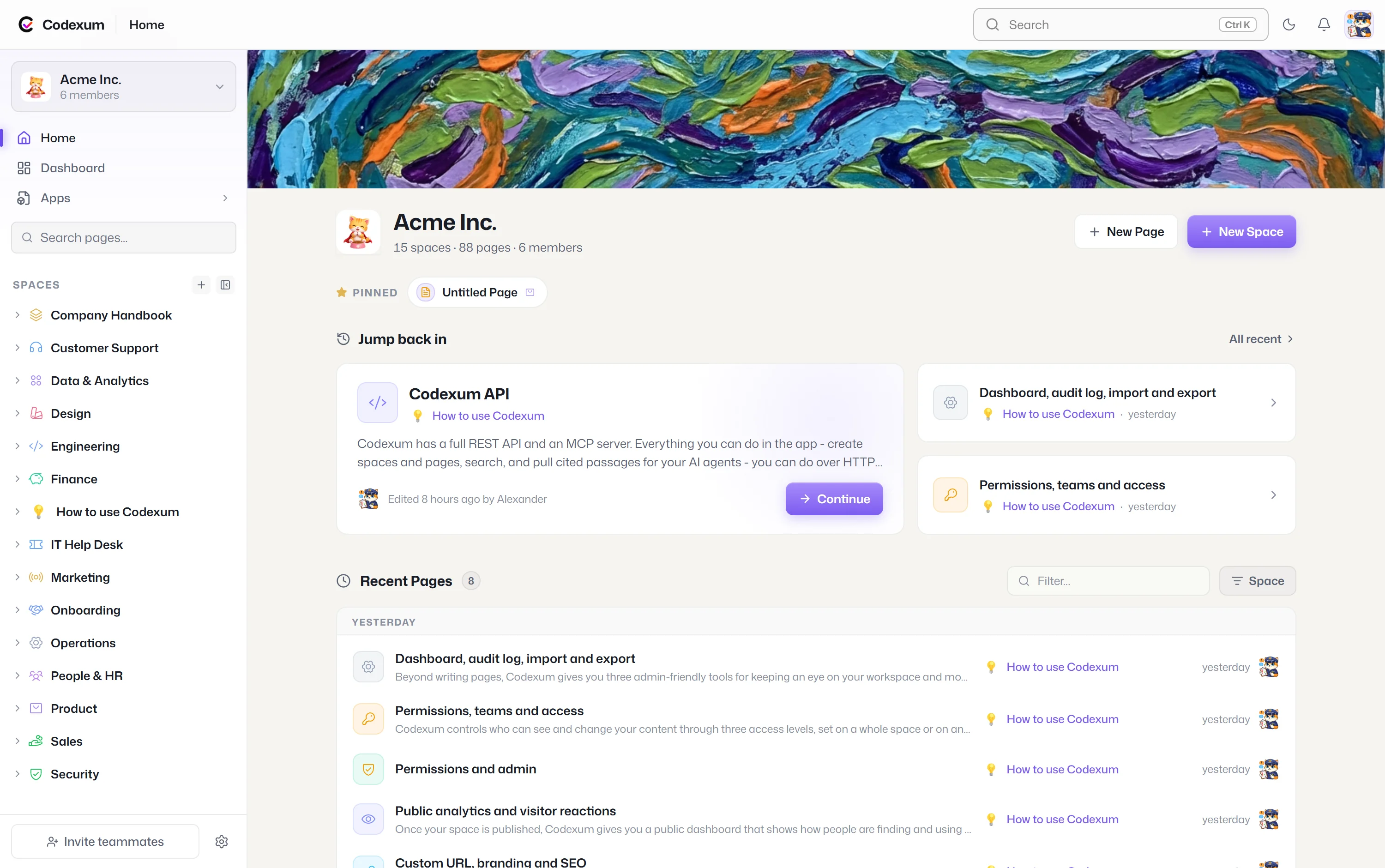
Three tools, one subscription.
Every plan includes Dutify Cloud, Codexum and Roadmarq.
Team wiki
Docs your team and your AI tools can search, with permissions per space and page.
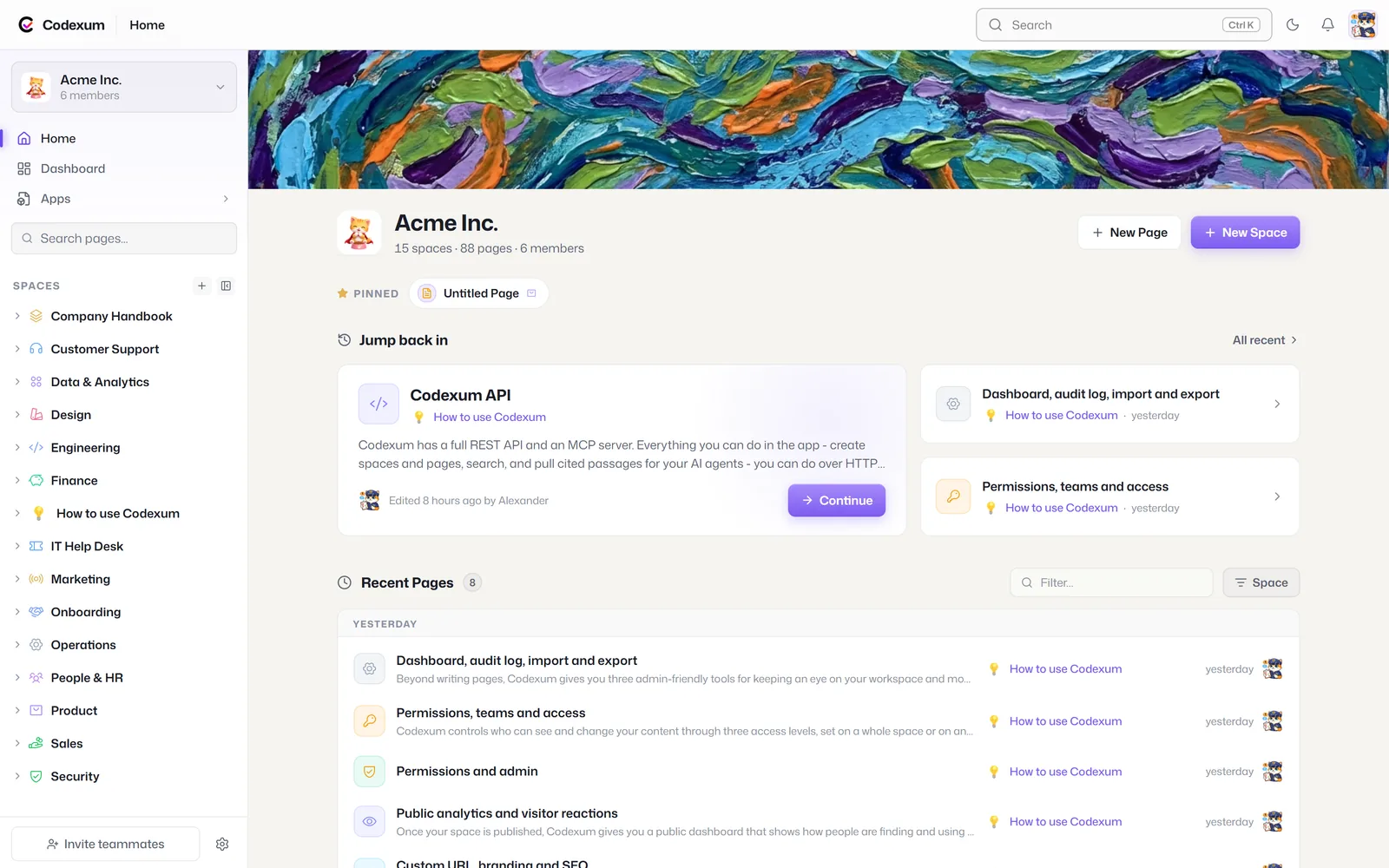
Projects and sprints
List, board, table, calendar and Gantt views, custom fields and automations.
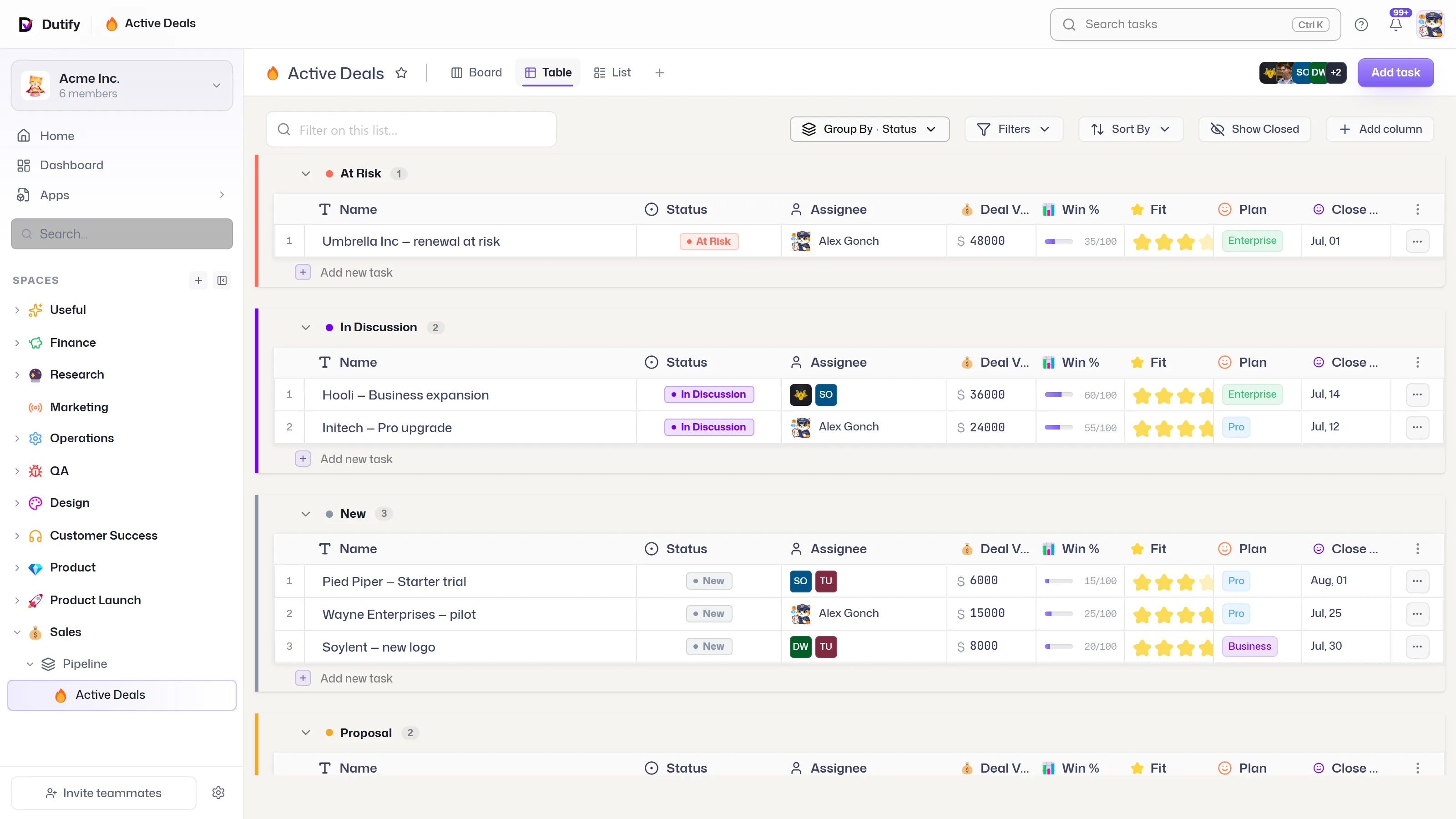
Feedback and roadmap
Feature requests, voting without an account, a public roadmap and changelog.
Questions
What should a team onboarding doc include?
An intro to the team and its goals, who’s who, a first-week checklist, goals for the first 30 days, how the team works, the tools and how to get access, and a glossary of team terms.
Who should own the onboarding doc?
The team lead or manager owns it, and each new hire’s buddy helps update it after their first week.
Can I import this template into Codexum?
Yes. Download the Markdown file and import it (Word, Markdown, JSON and ZIP imports are available on Pro and above), or paste it into a page and save it as a page template.
Skip the blank page with Codexum
Start free and keep this structure next to the work it belongs to.